Saturday, February 18, 2006
Friday, February 17, 2006
Sunday, February 12, 2006
Friday, February 10, 2006
I now know how to install Woody only and am doing this overnight.
I reached out to the local Linux novice help email list and got some help with my Linux install and I am also doing this over night. My other computers are fine now. My new eMac gets the most use. My new IBM works fine for WinXP and it is this machine I am also trying to install Linux on. My palm is working fine but not getting as much use as my Palms have in the past. My iPod is also working fine. I am not using my PSP much but did try to get further in the Sims 2 game a week ago. I burnt a CD of songs for my wife and we paid for these songs.Sunday, February 05, 2006
Saturday, February 04, 2006
Success installing SAS, finally after about 20 attempts.
I first had an error because the firmware on my new refurbished computers CDROM had not been updated. I updated it yesterday morning or late Thursday night. Once that was solved I found the install mostly worked or got through more of the proccess. But the SAS install as many softwares is an all or nothing process involving 9 CD's. In the end I could not choose extra language support because a file for that option was on a part of a CD that is damaged. After unselecting that language support option the installation worked. I will report the damaged CD to the school hardware services clerk when I take the disks back to school on Monday.
I now have a functioning SAS workstation. I don't have any SAS homework yet but will have some later in the term.
I just read half of a study into computer war gaming. I also have been reading about child poverty and statistics and about modern warfare in terms of body hardening and body injury. I finished a book on the rule of law that I started to read this summer after studying public law with Christian Jackel. I also finished a book titled Techno Feminism.
The new computer is basically supposed to be a windows box for doing windows only software. I did need to do some firmware upgrade on the CDROM. I will stop the Linux tinkering now at 3:36 and try the SAS install a few more times. My reason for buying this computer was to be able to run SAS at home for school work.
Sunday, January 29, 2006
This is my test post using a blogger widget by June Tate
Monday, January 23, 2006
I am getting an IBM Intellistation Pro E with a pentium IV chip, 256MB RAM, a 40GB hard drive and CD. This windows computer will be for running SAS. I will also installl Debian 3.1 on this computer and set up things like emacs, R, Octave, GSL and MatLab on the Linux side.
Tuesday, January 17, 2006
My palm can download xls files from its wireless phone connection but can not open them right away. I will try some techniques with this palm to open them today. Otherwise I will transfer the files to the eMac.
Monday, January 16, 2006
Success with the new Mac OS X install.
I seem to have all the preferences imported now. All my Safari bookmarks from my old eMac are imported and all my keychain items. Thus Safari logged into Blogspot no problem. I also imported my iCal and Address book from my old eMac. I am of course waiting for my email to be imported. I will now as the next step import my Music folder to iTunes but from the application itself.
I was not yet able to use the new Brother printer with the Fedora machine because the Fedora does not have the drivers for the MCF 420cn.
I will spend the rest of this morning getting the new eMac set up. This time I will not do a Firewire transfer of user accounts. I will in fact only transfer the Documents, Music, and Mail folders using a USB external hard drive. For the Music and Mail folders I will import these via the applications themselves for the documents folder I will do a simple copy operation using the Finder.
Sunday, January 15, 2006
Friday, January 13, 2006
Sunday, January 08, 2006
Monday, January 02, 2006
Sunday, January 01, 2006
I just deleted a bunch of old pdf's and some old unused apps off the old eMac. I also used the old eMac and old copy of Dreamweaver to update my school web page. I then used sftp to up load the index.html page which was all I updated. I have had some luck using sftp these past few days.
I am now making some back up DVD's of my old computer's files. This includes my Performa 1995-1998. My various IBM's the aptiva 2000-2003 and the Thinkpad 2003-2005. I also am backing up my WinNT 2002-2005 machine files. I can not back up all the Thinkpad files on one DVD disk but will need three or four for this. The other computers can be backed up to only one DVD.
Friday, December 30, 2005
Tuesday, December 27, 2005
I also gifted some music to family from the iTunes store for a Christmas present.
Monday, December 26, 2005
Wednesday, December 21, 2005
Tuesday, December 20, 2005
I also installed, R, R-base, R-latex and R-recommended. This evening I will transfer some school files over from my data mining course and test drive the R. I will also download Ggobi and try that out too. This will require that I access and search for Ggobi on the web.
Sunday, December 18, 2005
I also used the copied iTunes folder to update my iPod so lost some voice memos (I don't know why) which I am just transfering back.
I used my Iomega huge 20GB portable drive to do these transfers by swapping the USB cable between the two eMacs which are side by side on the living room desk.
I finally cleaned up cables in the office in front of the PC server and the shelves. Most of the cables are now behind the shelves. I also cleared off my desktop space around the IBM monitor, MSN keyboard, and IBM mouse, so I can comfortably and safely use the Fedora core machine in the office. I also after this just minutes ago, cleared up papers and headphones and ear phones off the living room desk.
Friday, December 16, 2005
eMac working fine now
I was able to set up my email by the end of Thursday. It is still a little buggy. I was able to make those back up DVD's so I have reached some safety now with computers and saving all my volumious writing which is largely emails. But this email back up includes most non-spam email I have ever received too in a broken not quite continuous and smooth record from 1996 to 2005 on a variety of different computers. This is all now on two identical DVD's and I will make a third copy still as three copies are recommended by security professionals for back up archives of files.
Open source software installs on new eMac
I installed Neo Office 1.2 alpha late yesterday.
I am reinstalling tex, texshop, R and Grass on my new eMac which means X11 first, from my Mac OS X DVD. Then R which installs G77 the fortran compiler and also tsk(sp?). Then over to tex shop and the i-installer to install X11 apps for teXshop. Then install teX again with i-installer. Then finally texshop itself. Then Grass which might wait until tomorrow. teX2005 includes code for both Mac architectures Mac PPC and Mac Intel which means the open source developers are already designing for the new intel Macs before the hardware is for sale.
Thursday, December 15, 2005
I got my new computer an Apple eMac
But this new computer does not work well yet. I am attemping right now to reinstall Mac OS X. I have transfered all the applications and user accounts and network settings from my old eMac. After doing this I was able to open about three applications but once open could not do anything with them. I did a hardware test at my brothers suggestion and the hardware is fine. We both figured that perhaps the file transfer had made the new eMac not work properly. I was also not given the extra 512 MB RAM chip I paid for. It seems either the store was trying to rob me or they forgot to install it. I will have to get the extra 512 MB RAM chip from them and install it myself. I have paid for it already. I guess I could see this as one time when I am giving a store credit rather than them giving me credit.I have about 30 minutes left in the Max OS X install and then I can see again if the new eMac works. In fact in the time it took me to write this it has rebooted and asked for the Install Disk 2.
This first Mac OS X install didn't work. So I did a clean install and did not firewire transfer anything but instead used my USB back up drive to do things manually. I am taking my usual file storage area on the desktop and moving it to the documents folder.
Friday, December 09, 2005
Tuesday, December 06, 2005
I am backing up or copying my Desktop folder to my Iomega portable hard drive which I will again try to take to school and use it on computers there and then burn DVD's of these files.
Tuesday, November 29, 2005
eMac now running Tiger
I was able to get a copy of Tiger on a family license. So now my old eMac is running Tiger. I had wanted to try widgets and I am trying a TV watching widget, a URL checker widget, and a longfingers World View widget. Longfinger's PSP version of the World View inspired some PSP web mastering by me a few weeks ago.
My computers and gadgets are all running ok except for the Palm but that was only a minor hiccup. My Palm w ran out of power so need to be restored from back up. I also installed Documents to Go on the Mac so now have that functionality between the Palm and the Mac. I am tempted to upgrade the Palm to a Treo 650 this Christmas because my Noikia cell phone contract has almost expired. The Palm w was last Christmas present to myself and the previous Christmas(2003) the cell phone was on a holiday deal from Bell Canada.
Saturday, November 19, 2005
I repartitoned the external USB 160GB drive on my eMac and made a partition large enough to hold the iTunes folder for the 60GB iPod. I did have to change the iTunes folder location back to the eMac temporarily, so needed to trash about 10 GB of songs to do this. I am now putting my music CD's back into iTunes. I am having trouble because songs I bought recently from the iTunes store are on the iPod but not in iTunes. Apple iTunes support have send me a web link to a help page on how to transfer songs on the iPod so I will read that and see if I can solve my problem.
I was able to find a source for eMacs. So I may buy an eMac from the school computer store. I would get a superdrive model with 1 GB memory and maybe 250GB hard drive. I need some help to afford this.
Thursday, November 17, 2005
Tuesday, November 15, 2005
Sunday, November 13, 2005
Saturday, November 12, 2005
Friday, November 11, 2005
Monday, November 07, 2005
Thursday, November 03, 2005
Wednesday, November 02, 2005
Monday, October 31, 2005
Wednesday, October 26, 2005
Sunday, October 23, 2005
Sunday, October 16, 2005
The other PDA art tool was Q draw perhaps more in line with my school training in arts and I used it to draw a floor plan of our apartment. I was quicker and did a better drawing, than I have with other softwares like Illustrator and Photoshop. The reason perhaps is because doing this on the palm was more like holding a sketch pad with a pen instead of a mouse. Yet the various drawing tools are similar to other computer drawing programs where there are tools such as shapes and fill and of course text my all time favorite tool as I was trained to techincal drawing and map making. These types of drawings are incomplete without text labels.
Saturday, October 15, 2005
Monday, October 10, 2005
Talking about confusion I am thinking that emacs(which are not eMacs) are an answer to my computer needs from the 1980's. I wanted a word processor in those days but could not afford one for our Vic 20.
I have been reading these critcal works about the internet recently:
- Rose, Ellen. User Error: Resisting the Computer Culture (Toronto: Between the Lines, 2003).
- Shenk, David. Data Smog : Surviving the Information Glut (San Francisco, Calif. : Harper Edge, 1997).
- Stoll, Clifford. High Tech Heretic: Why Computers Don't Belong in the Classroom and Other Reflections by a Computer Contrarian (New York: Double Day, 1999).
Ellen Rose makes some interesting comments about hackers and how she can and can not say who these people are and what motivates them. I am curious to see this attempt being made at all.
on emacs: I think Richard Stallman must have been pretty smart of have assessed our needs as hackers in the 1980s and late 1970's by choosing to build a word processor but perhaps given computing needs of programmers this was not such a great move. He needed emacs for programming in other words writing code. But I cant even be sure that is why he made emacs that is just what I have read. Perhaps I should email him about this or check his web site. As opposed to writers and what we needed I am not so sure Richard Stallman the original author of the emacs software was really creating something free for authors and writers.
(http://infohost.nmt.edu/~val/howto.html")
Wednesday, October 05, 2005
Monday, October 03, 2005
I have my first rack now. It is case for 10 U on wheels and is totally covered but not fully weather proof. It is lockable to a limted extent. I now need a good power bar for this rack. A dual pentium III server for this rack would cost about 400$ US or about 500$ CND. A cheap laptop might be a better idea. I am thinking of writing a book about open source music workstations. I know nothing about Linux music workstations so would present it after and as I learned these workstations.
Sunday, October 02, 2005
Thursday, September 29, 2005
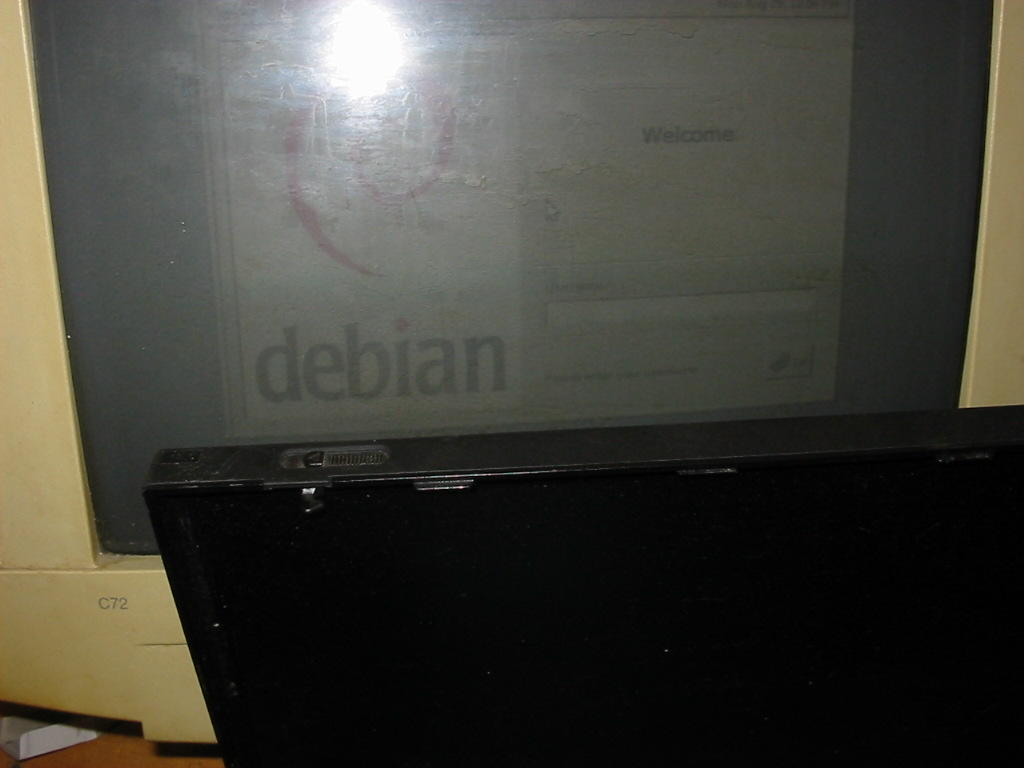
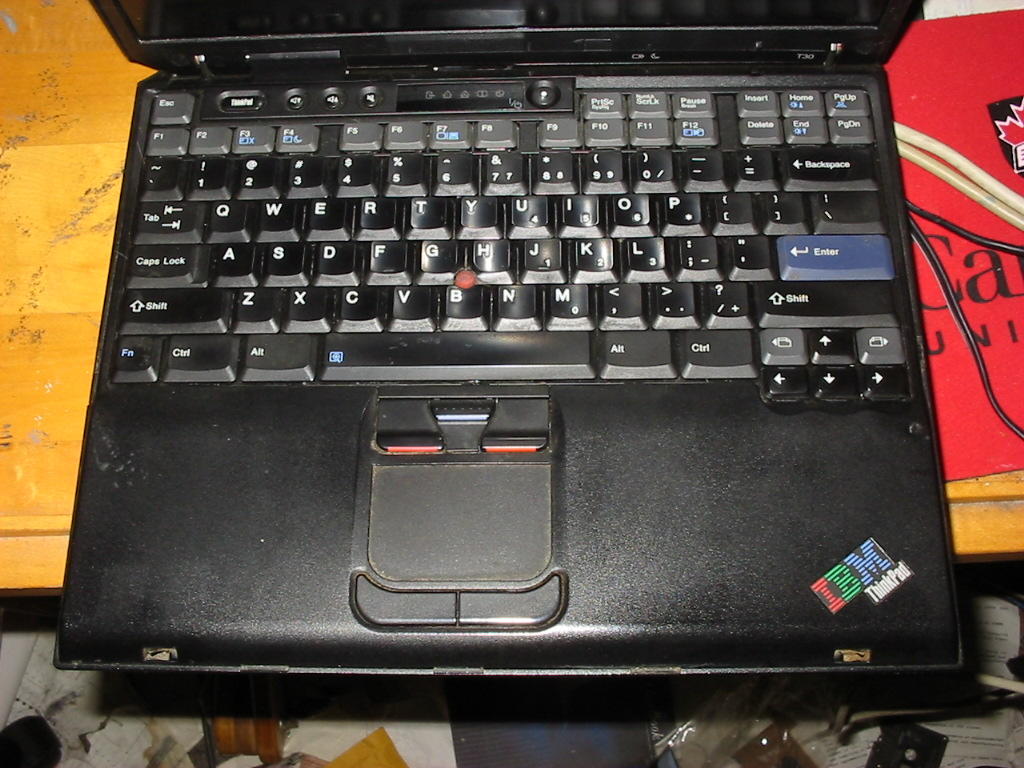
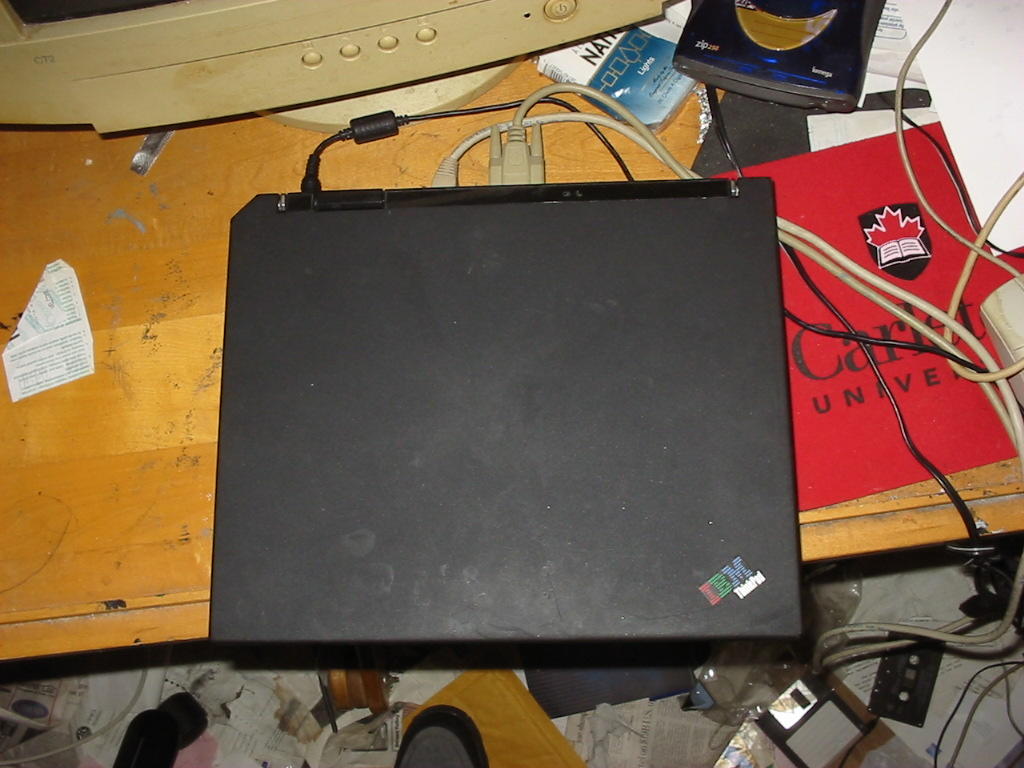
I am just installing Debian 3.1 r0 on the T30 Thinkpad. I have WinXP working on the first 29GB. I have an 8 GB FAT partition which is the D drive. But realise that it is Fedora Red Hat linux that can see and write to fat partitions. I am not sure about Debian. I am installing Debian into a 19GB partition. I have a 750MB swap partition. So basically today and Monday/Tuesday I have reinstalled all the operating systems on the T30. If I could replace the screen I would have the cool laptop system back in use. I may order a 256 MB RAM PC2100 chip for this laptop today at the school computer store.
I am copying my user account on the eMac and all the files and folders to my back up hard drive. This is about 10GB. I will perhaps wait a bit to make my DVD back ups. But this user account would be one thing to back up. Also I would back up to DVD, the My Documents folder from my windows machines.
Wednesday, September 28, 2005
My eMac computer is still working ok although MS Internet explorer is a bit buggy these days. The broken laptop can be my windows machine. And my used iBook might be here this week. So there is really no need for a new machine right now. I have at least two more computers here that can surf the net. I am keeping all my email on the eMac these days and can also back up this email. I also now have access to DVD burners at school and will be buying some blank DVD's and making some DVD backups soon. I may do that this weekend. I would use my 20GB USB drive to copy files off the eMac and thern burn them to DVD at school on the Learning Commons computers now available in our library.
Saturday, September 17, 2005
Friday, September 16, 2005
The clamshell iBook should arrive next week sometime. I will still need to buy it a larger hard drive and install Panther on it. I will also still need to install more memory.
If I get a new refurbished Thinkpad I will use the 60GB drive and reinstall WinXP and Debian 3.1 on the new Thinkpad.
Tuesday, September 13, 2005
Monday, September 12, 2005
I have been making some web pages with dream weaver. I built a little bit of a fan web site for the TV show Stargate. I need to write a little more content for these web pages before Wednesday evening. I will do some of this tonight.
So this goes back to my two 160GB drives with a network USB connector. I will wait until the Linksys USB hard drive network connector becomes a bit cheaper and also get two other 160GB drives for general (none back up) use but I will also wait until these drives become cheaper. The new 160GB drive cost about 280$.
Speaking of costs I have also been upgrading my PA equipment and that has cost hundreds of dollars. I am getting a rack case for this music gear and might buy some music rack cases for computers at some point. May be later this fall I will buy a small 1U or 2U HP server with Pentium III dual processors and about 60GB hard drives. This would be to do music on the server maybe as a Linux workstation may be as a WinXP or WinVista workstation. Maybe dual boot would work well. I would need at least one PCI slot on the server too for a music interface card. At least I can use the music store for a supplier of rack cases. I think I will take some pictures now of my new PA gear and place them on our musical blog.
Friday, September 09, 2005
Thursday, September 08, 2005
Thursday, September 01, 2005
I then retired to work on my laptop hooked up to an external monitor. I installed some software on the Win2K side of the computer. I have installled WinZip, Adobe Reader, FireFox, Black Ice, Lotus Smart Suite, I had trouble installing Illustrator 8.0. I also installed the Palm Desktop on the Win2K.
Speaking of the Palm, I tried installing some Palm softwares I had paid 2$ for namely Chess annd Checkers on my Tungsten W but neither worked very well. Oh well 2$ down the drain.
Monday, August 29, 2005








Sunday, August 28, 2005
Wednesday, August 24, 2005
I was able to get my PSP updated to system 2.0. I can now wirelessly surf the internet on my play station portable. I learned a little of how to use it and bookmarked my personal home page and my wife's poetry page. I will now test playing Apple iTunes files on it.
Monday, August 22, 2005
I am taking the laptop to the school's repair shop to have it looked at tomorrow or today. I also need to install Debian again.
Sunday, August 21, 2005
I emailed the school's hardware repairs services and asked if they could fix the laptop's screen. They charge 35$ per hour. The new screen may cost a lot.
I am reading about SGML, IP law, and e-business this morning.
Recovery of the laptop!
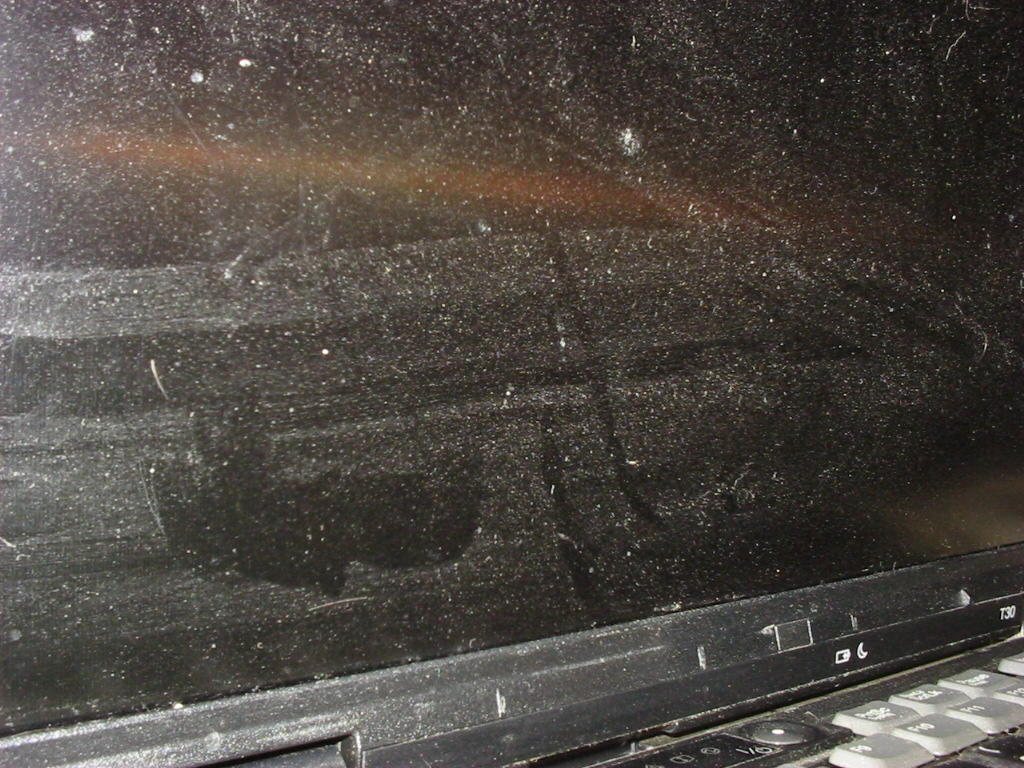
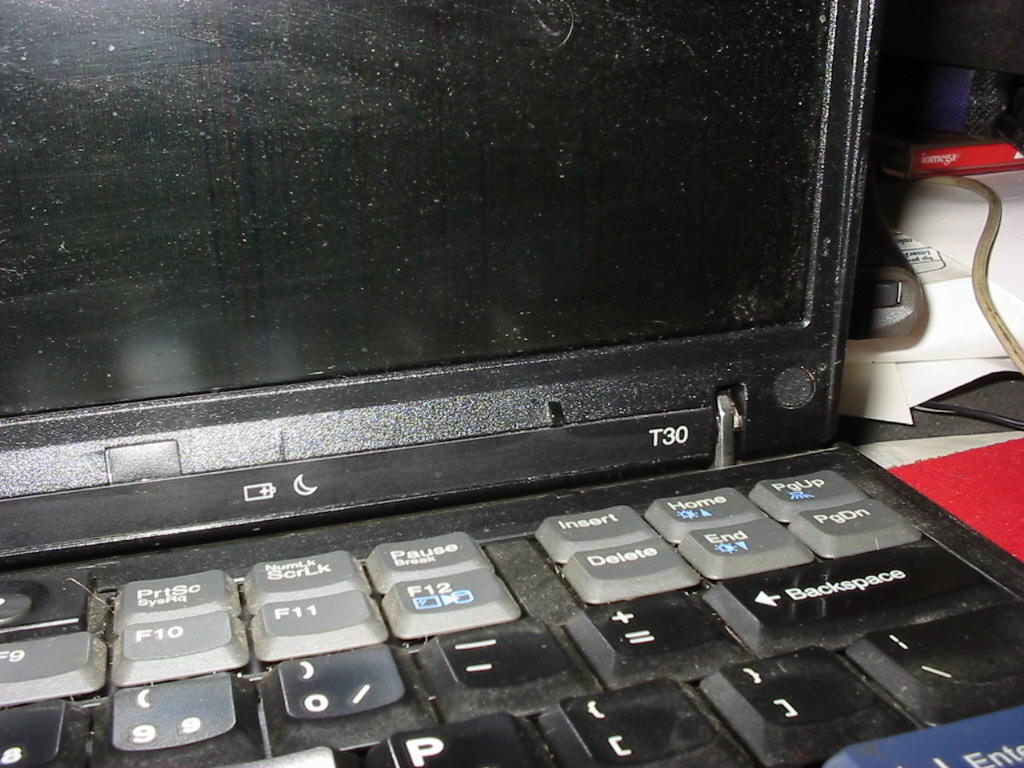
It is only the screen that was broken on the laptop. But this is a key part. On Monday I will call IBM and see if they can fix it. I was able to connect the laptop to an external monitor and access everything and keep it working. I took the entire My Documents folder off using a USB hard drive of 20GB size. I am able to access all the word processing documents on the Macintosh computer. These are most of my key school documents. The only other documents that might be windows only are SAS program files. I may not need these too dearly this year as I may not study much in the way of statistics this year. I also took the email off the laptop be exporting it to Netscape and then copying this folder full of email to the Mac mail program. In the end I had just bought a new 60GB hard drive for the IBM laptop and installed it and tried to put on the operating systems WinXP and Debian. Both failed at this point. With the Debian though it is just a matter of getting X windows working.Thursday, August 18, 2005
My laptop is broken
My laptop got knocked off the coffee table and is now unusable. Thus this linux plan is on hold now. I will have to use my Macintosh computer now. This accident will test my back up process. I did not yet make an end of July back up so I will be using my end of June back up CD. I did make a back up CD of email at the end of July. Now I need to decide what I will do for a laptop. Perhaps the used iBook will be my laptop. Perhaps I will buy another IBM laptop. For now I am using my eMac computer.Wednesday, August 17, 2005
With this method I am wondering about the Grub or Boot Magic. In other words how do you handle the dual boot up?
Tuesday, August 16, 2005
Researching the install of Fedora and WinXP
I found this page at a Linux on Thinkpads ring site http://www.phys.cwru.edu/~covault/linux_fedora_core3_x23.html I read most of the page. I would have to buy partition magic for this method and this guy kept his original WinXP because he did not want to buy XP. So two differences in my senario. I have a copy of WinXP from school that my tuition has paid for and two I am installing on a new hard drive. But I also learned from this web page that Fedora core is an easy OS to install on a Thinkpad in terms of drivers for the various Thinkpad parts.
Saturday, August 13, 2005
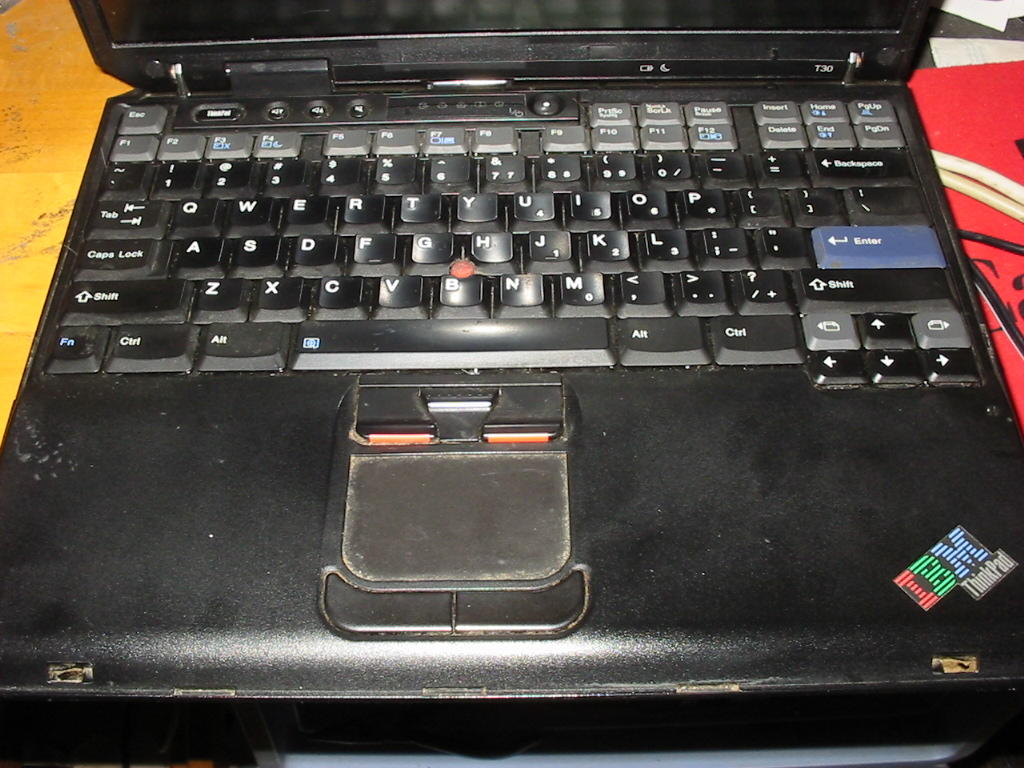
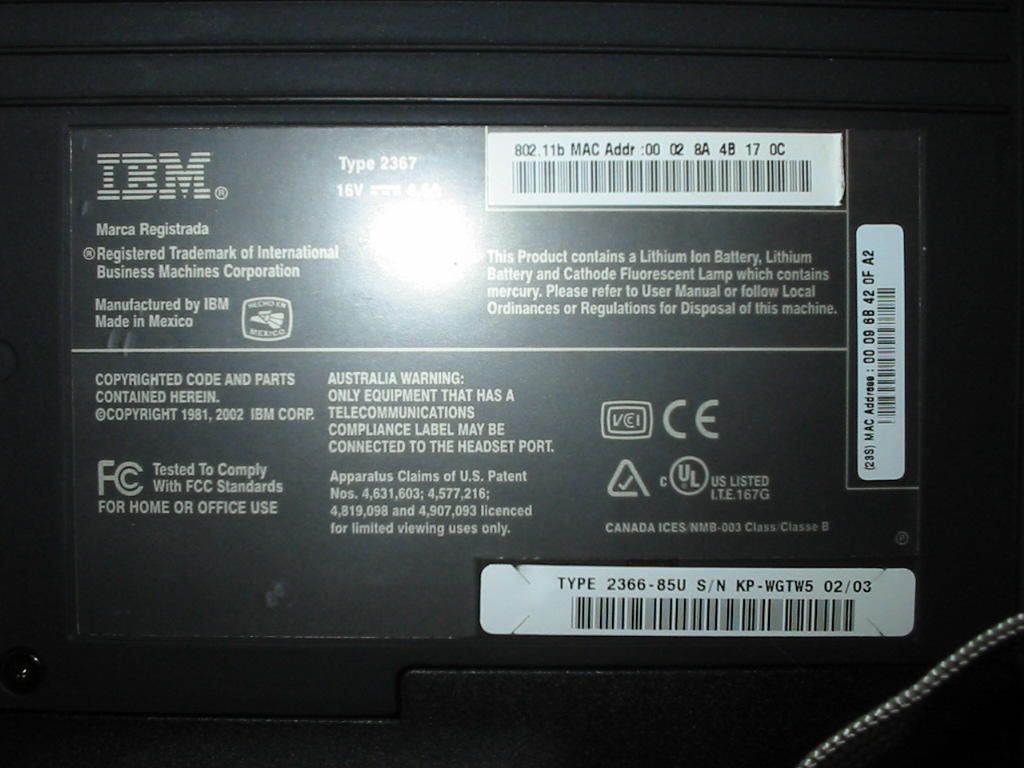
Major project: install WinXP and Debian Linux on my IBM Thinkpad T30 laptop
My next major Linux install will be to get this Thinkpad T30 working as a dual boot machine. I will download and install Debian as well as WinXP on this laptop. I still need to research the Debian step. I also need to do back up with the 20GB USB drive but the My Documents folder on my Thinkpad is only some 6 GB in size so this USB 20GB drive will do this no problem. I must remember to do a Win Fat format on this USB drive with my eMac computer.